Authorized Panasonic Automatic Door Distributor · ZITIN Technical Service CenterService Hotline: 400-690-8875

How to Adjust the Panasonic Microwave Sensor Detection Range

Using the common standard sensor model NACS83500 as an example, this illustrated guide walks through the three core adjustments and a quick tip, so you can understand how detection distance, sensitivity and gain relate to each other.


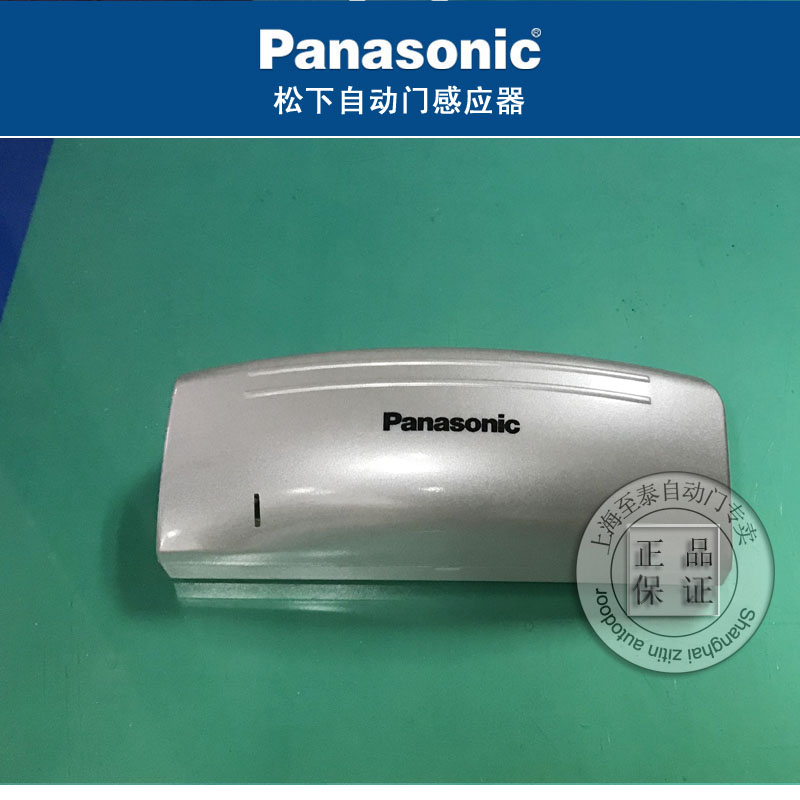
Panasonic NACS83500 sensor real photo
Panasonic NACS83500 sensor (real unit)
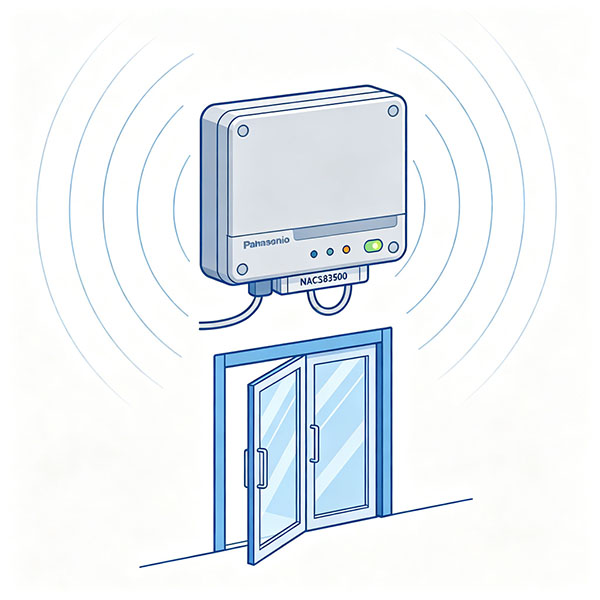
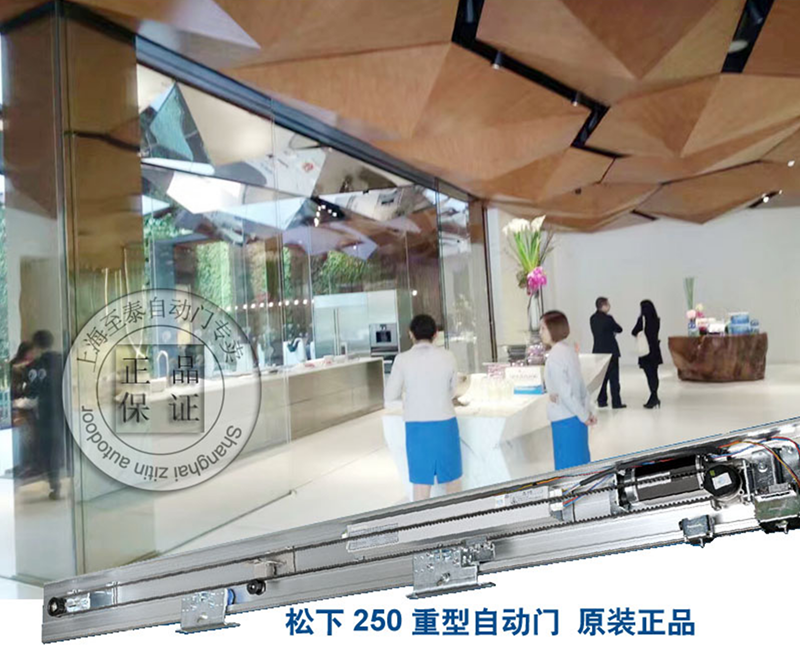
Panasonic automatic door installation on site
Panasonic NACS83500 microwave sensor diagram
Model NACS83500

ZITIN · Illustrated guide to adjusting the standard Panasonic sensor

Using the NACS83500 — the standard sensor fitted to Panasonic automatic doors at the ZITIN showroom — this guide explains the three core adjustment methods and a quick tip, helping you understand the relationship between detection distance, sensitivity and gain.

1
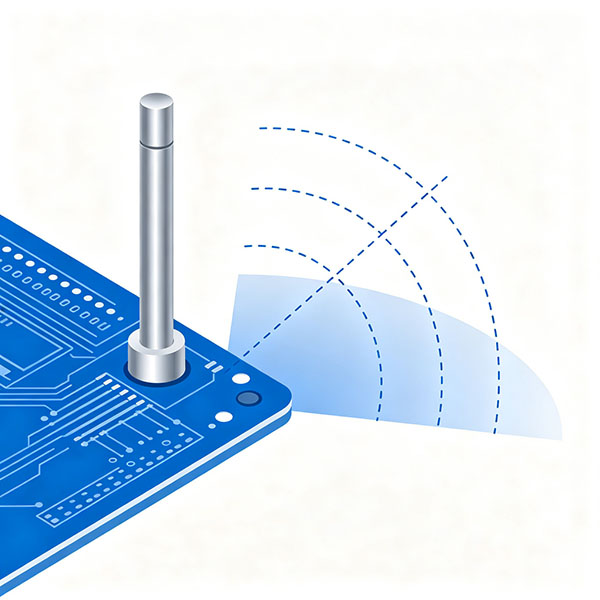
Antenna tilt angle adjustment diagram

Antenna tilt angle — set the detection range

The sensor uses a 24 GHz microwave antenna as its core sensing element. The closer to horizontal, the smaller the tilt and the shorter the detection range; the larger the tilt, the longer the range.

The tilt is usually preset at the factory and normally needs no adjustment. Only fine-tune it when the site requires an unusually long or short detection distance.

Safety note Before adjusting the antenna tilt, always switch off the power, to avoid short-circuiting and burning out the sensor through hand contact with the circuit board.

2
Blue sensitivity adjustment knob diagram

Sensitivity knob — adjust sensing sensitivity

A blue sensitivity knob sits in the lower-left corner of the circuit board, preset at the middle, moderate-sensitivity position; normally no change is needed.

For high installations of about 3 m or more, or weak sensing on site, turn the knob slightly clockwise to raise sensitivity. If unstable light sources or other interference cause false triggers, turn it the other way to lower sensitivity and suppress false operation.

3
Amplifier gain adjustment knob diagram
Do not adjust unless you are a qualified electronics technician

Amplifier gain — factory calibration knob

This knob sits around the amplifier components and is used by the manufacturer to calibrate variations in the microwave module's sensitivity output. Normally do not adjust it.

Compared with the sensitivity knob, the gain knob is less intuitive and affects the sensor at a deeper level; improper operation can cause abnormal behavior, so it is not recommended to adjust it on site.

Tip for checking whether a sensor is good
Pro tip

How to tell whether the sensor is good: as long as the relay operates and the sensor picks up a signal, the sensor itself is fine. Most "faults" are actually false triggers caused by surrounding environmental interference (strong light, heat sources, electromagnetic noise); clearing the interference is often more effective than replacing the sensor.

!
What to do when a Panasonic automatic door malfunctions

When the door shows an abnormal fault, do not disassemble it yourself. Contact our technical staff for on-site service. Hotline: 400-690-8875 / 021-68568185, QQ: 584655265.

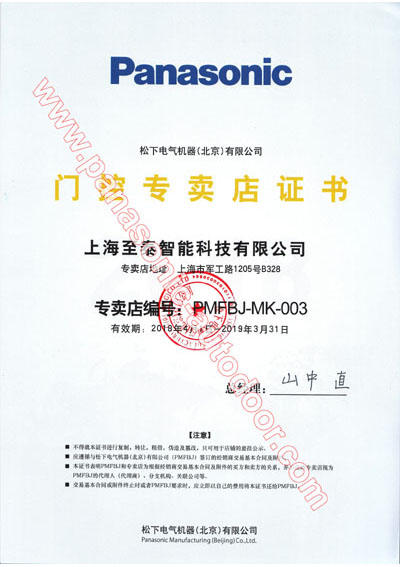
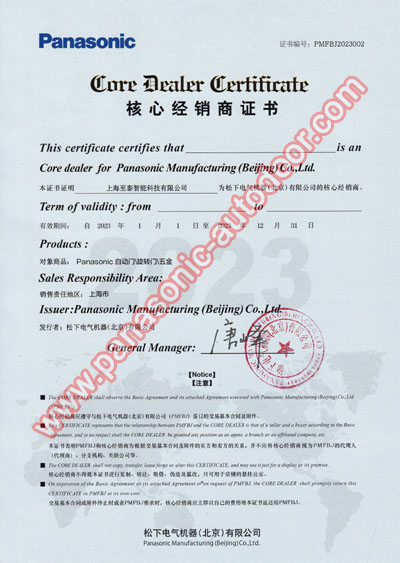
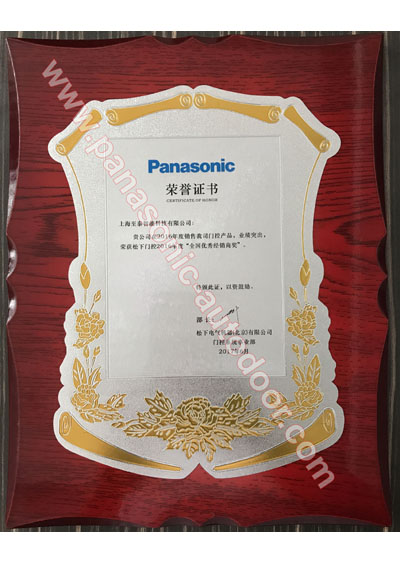
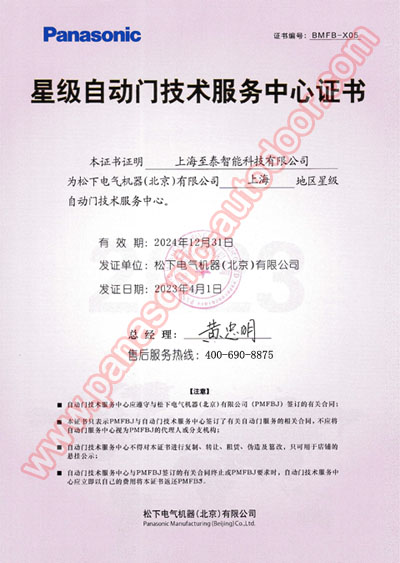
🏆 Certifications & Qualifications

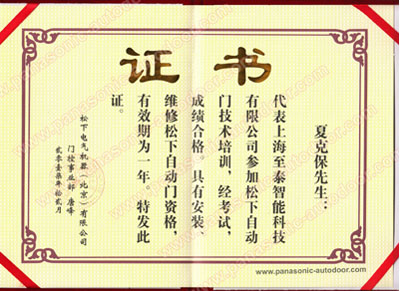
Certificate 1
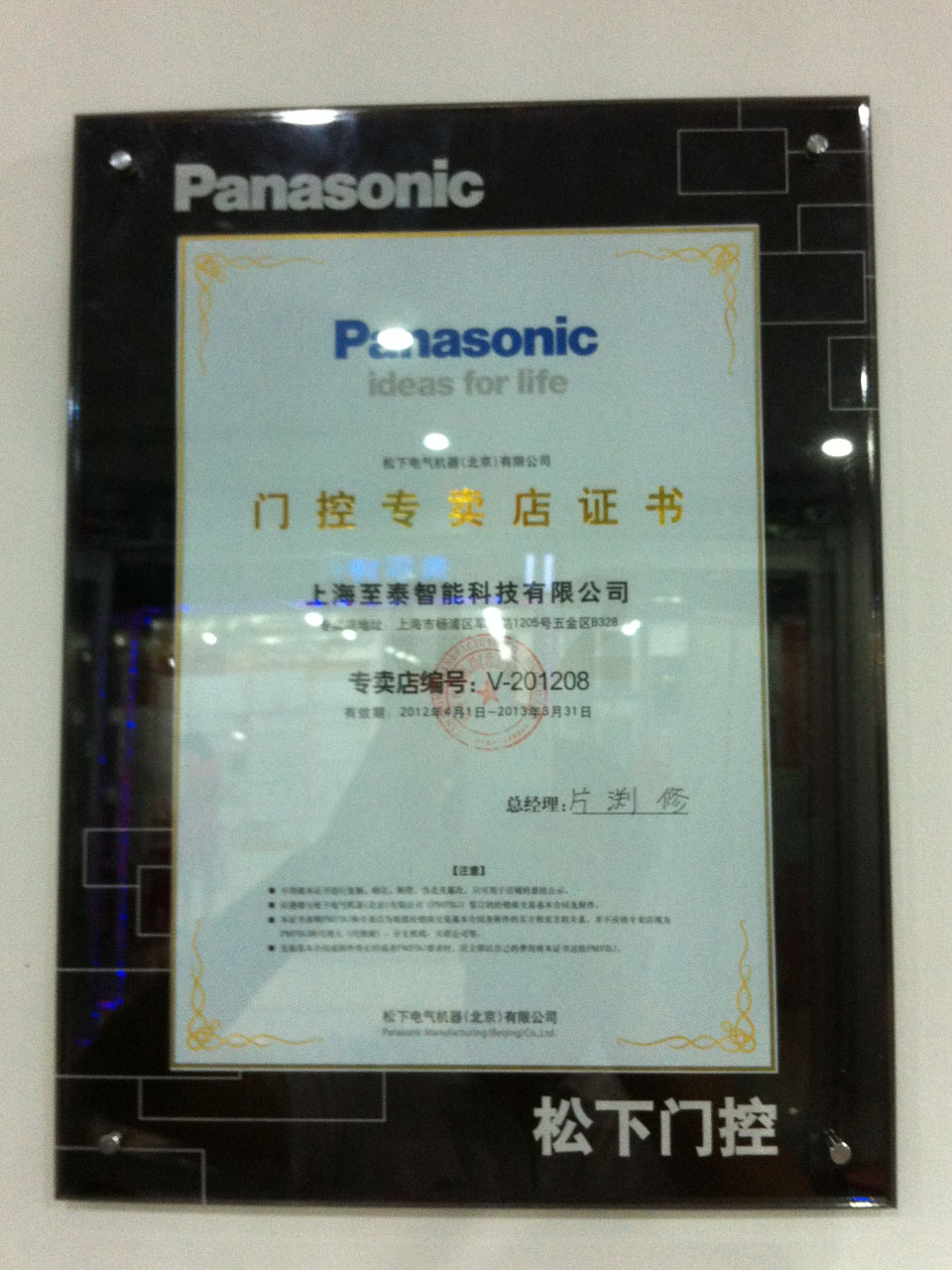
Certificate 2
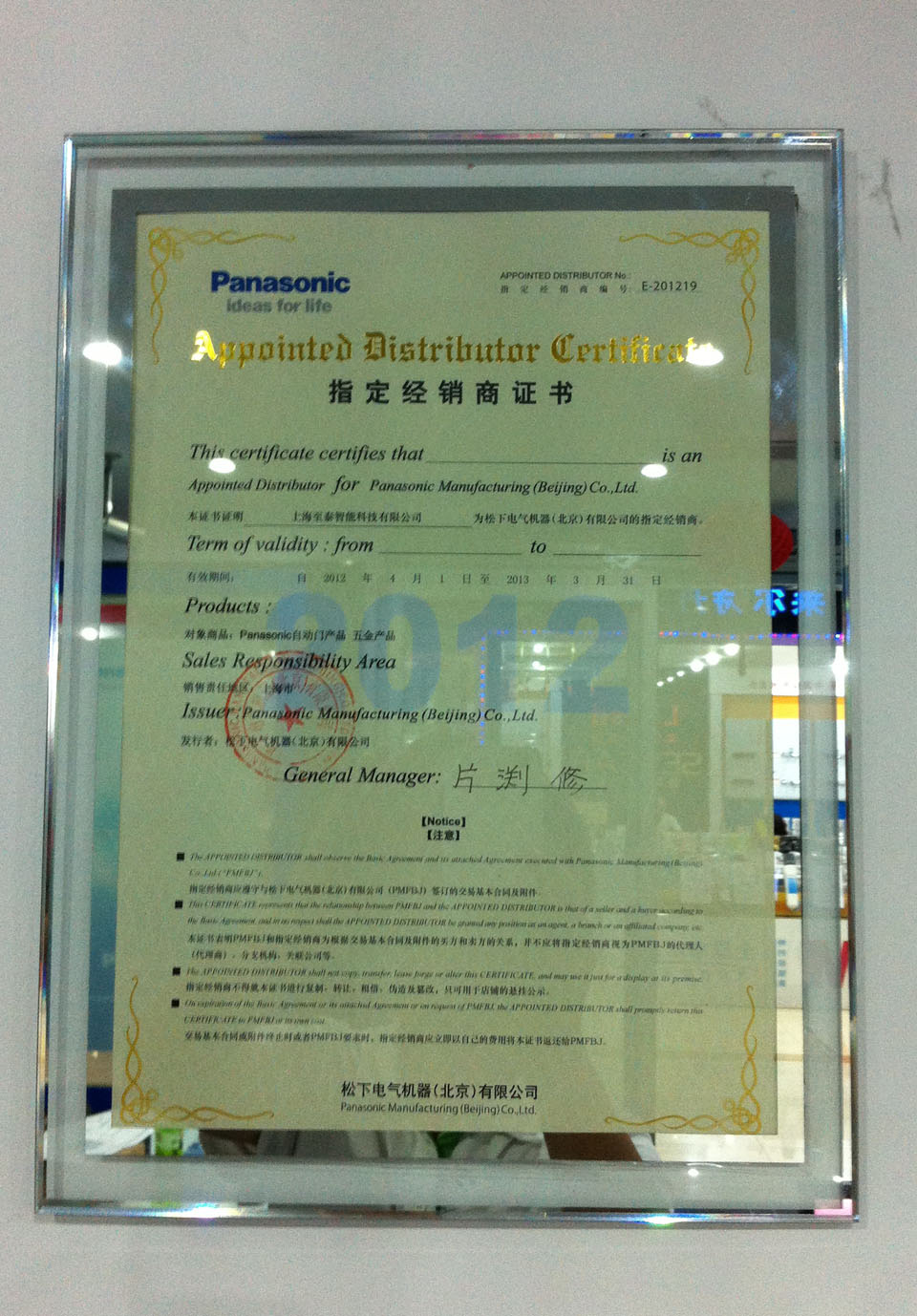
Certificate 3
Certificate 4
Certificate 5
Certificate 6
Certificate 7
Certificate 8
Certificate 9

Core Services

Professional Panasonic automatic door repair & maintenance, genuine authorized parts